Cafés
From counter to pickup.
- Take a counter order on a fixed button grid.
- Call out ready pickup numbers on a guest-facing board.
- Show the brunch menu only during its service window.
No sending to stations. The menu routes each item, timers fire and flag late tickets, and Onshift closes the day after service.
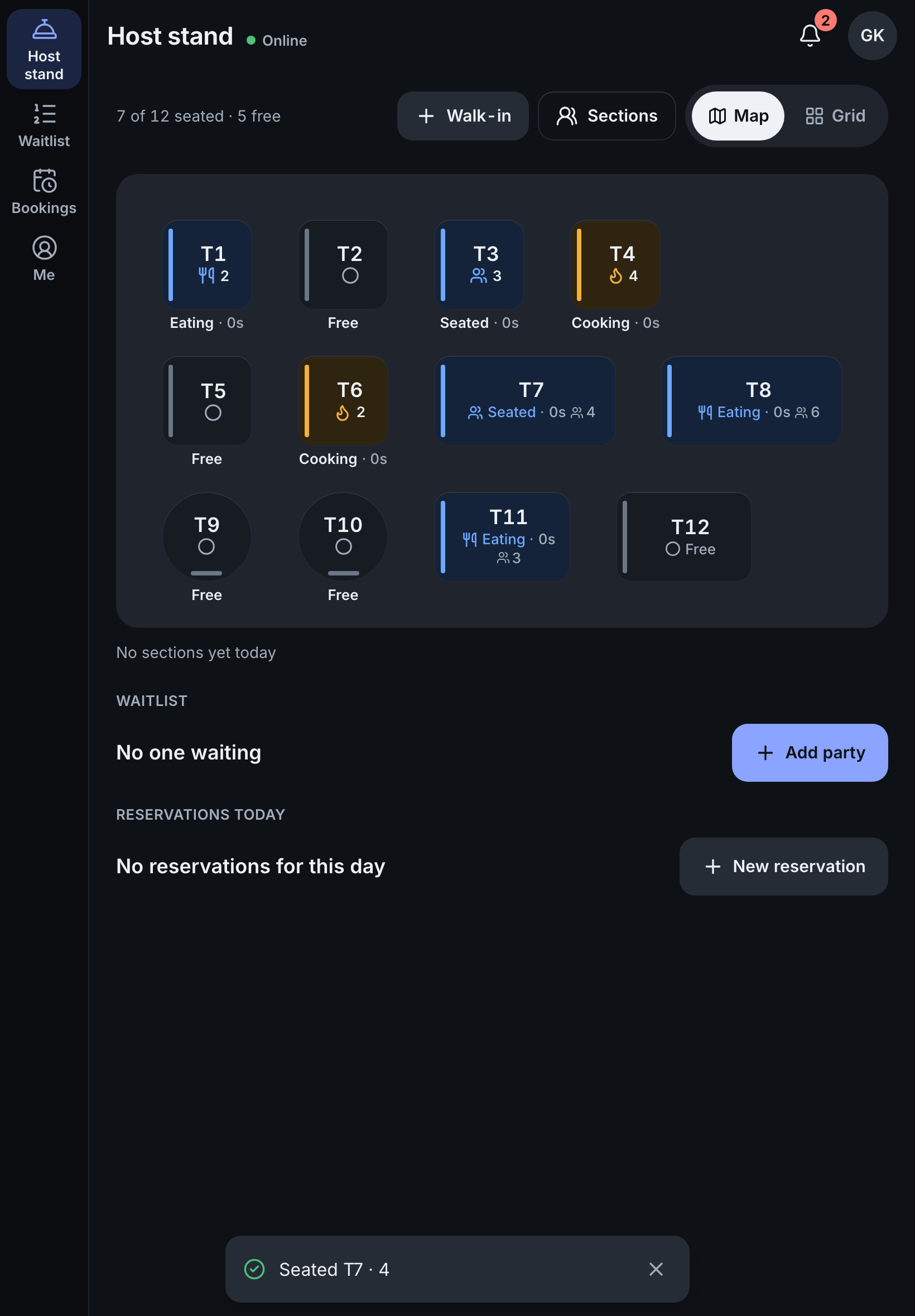
See the entire floor. Seat a walk-in and keep the next reservation in view.
Scan the table QR, choose a dish and follow the order from the phone.
Keep the rail moving. Open a tab, lock in happy-hour prices and split the check when they ask.
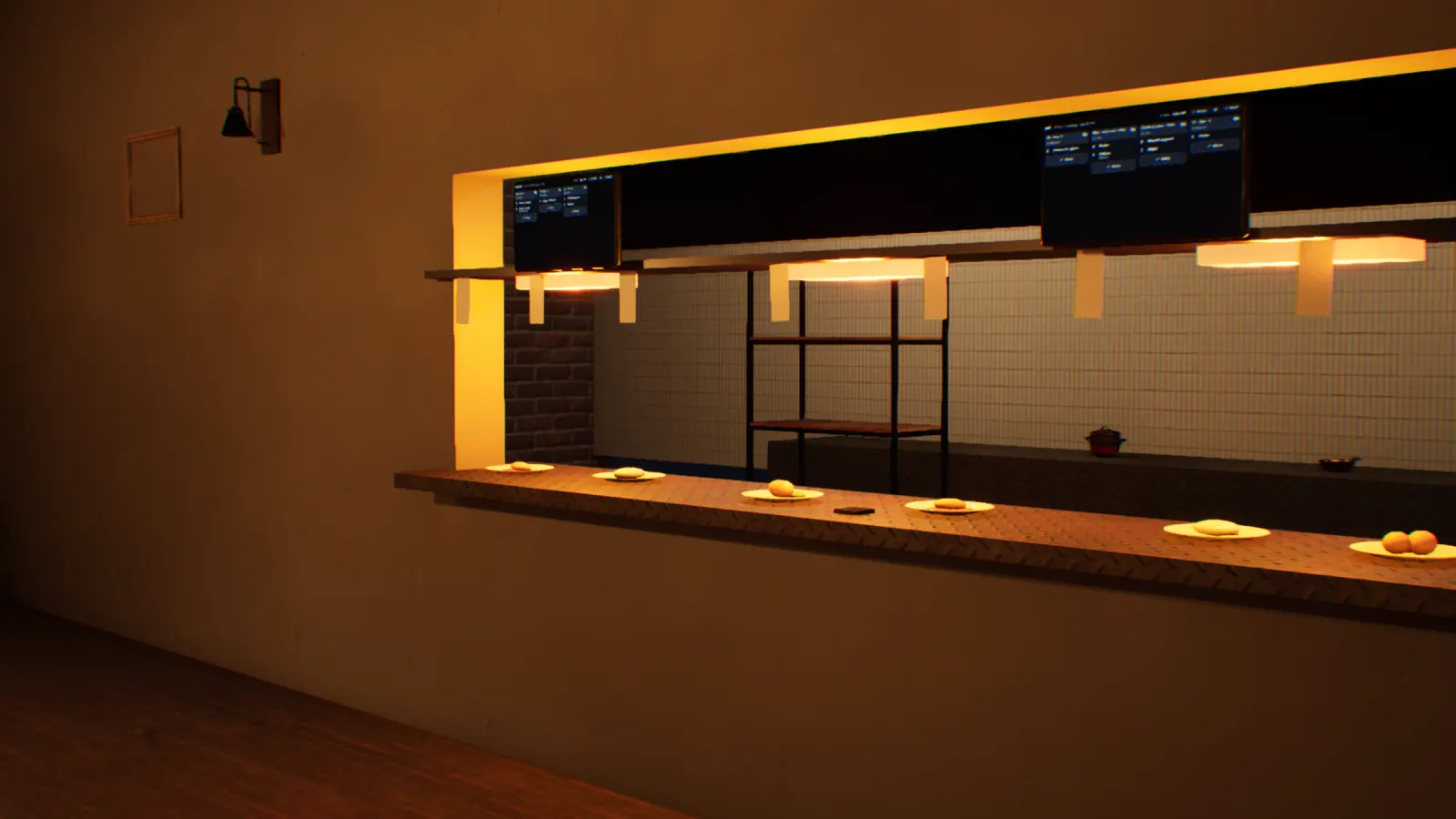
See every course and modification on the right station screen. Tap when it’s ready.
Hand off a ready bag. The driver sees the stop and marks it delivered from their phone.
Check covers, sales and what needs attention. Pull up the Z report at close.