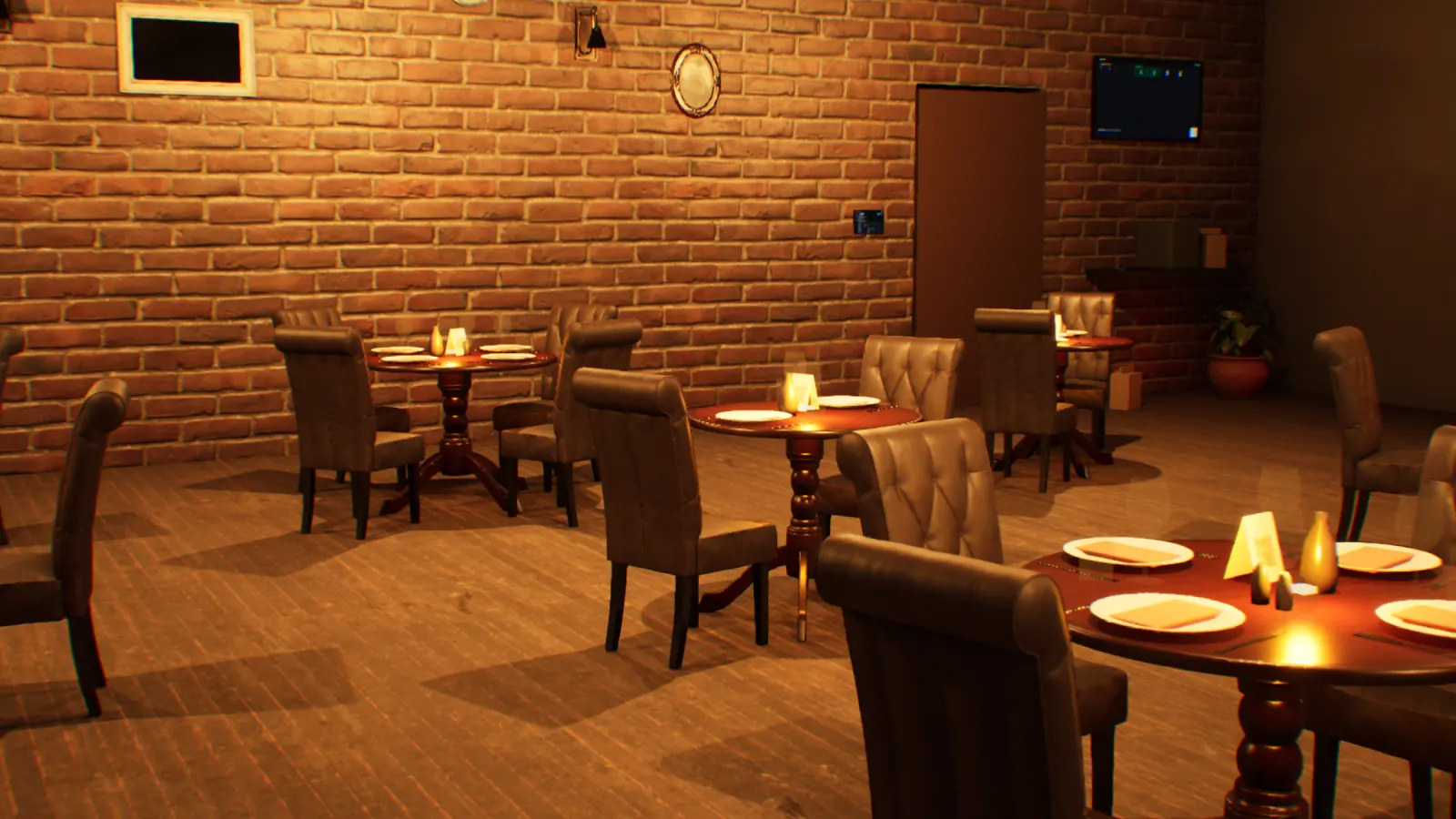
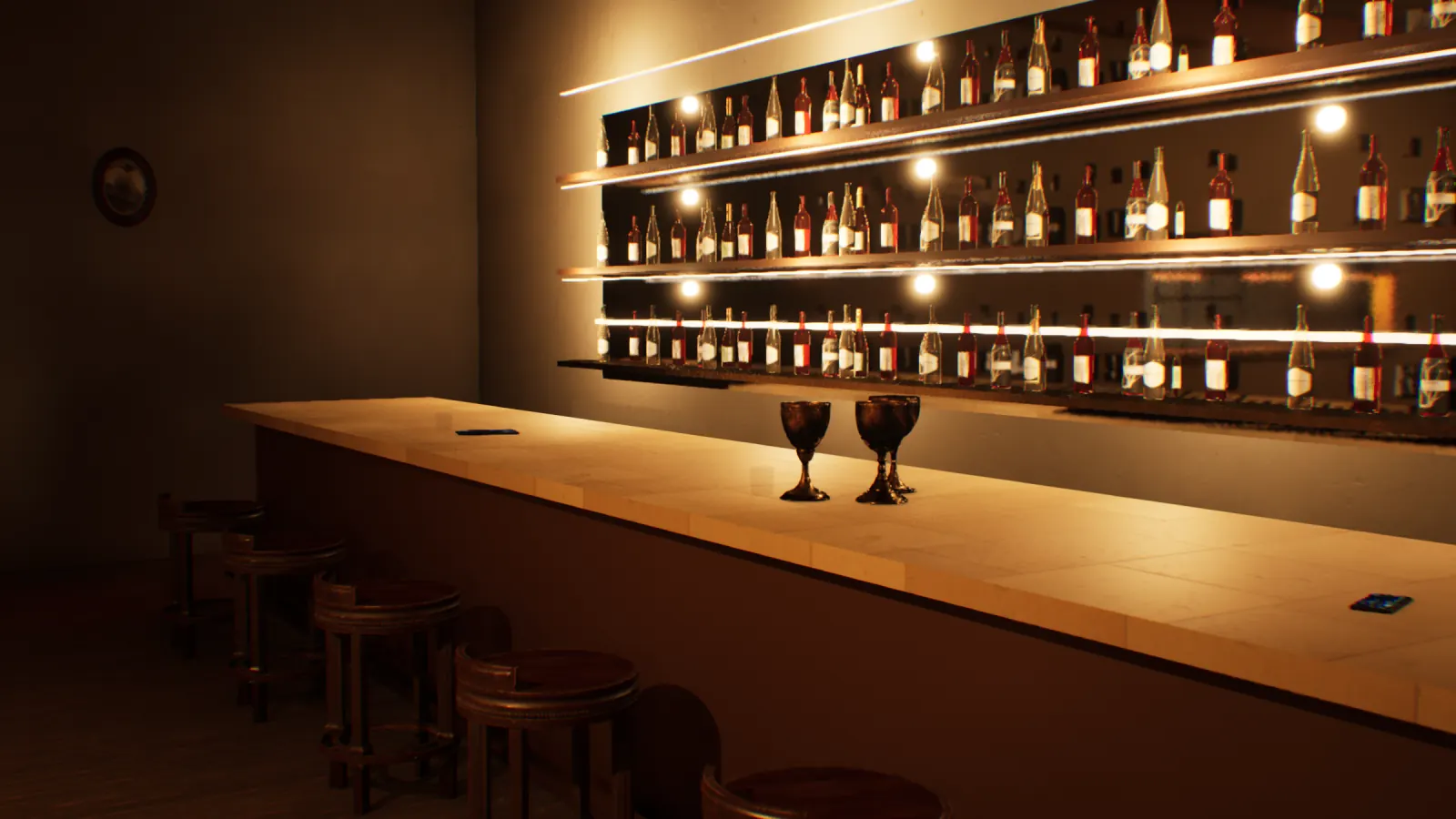
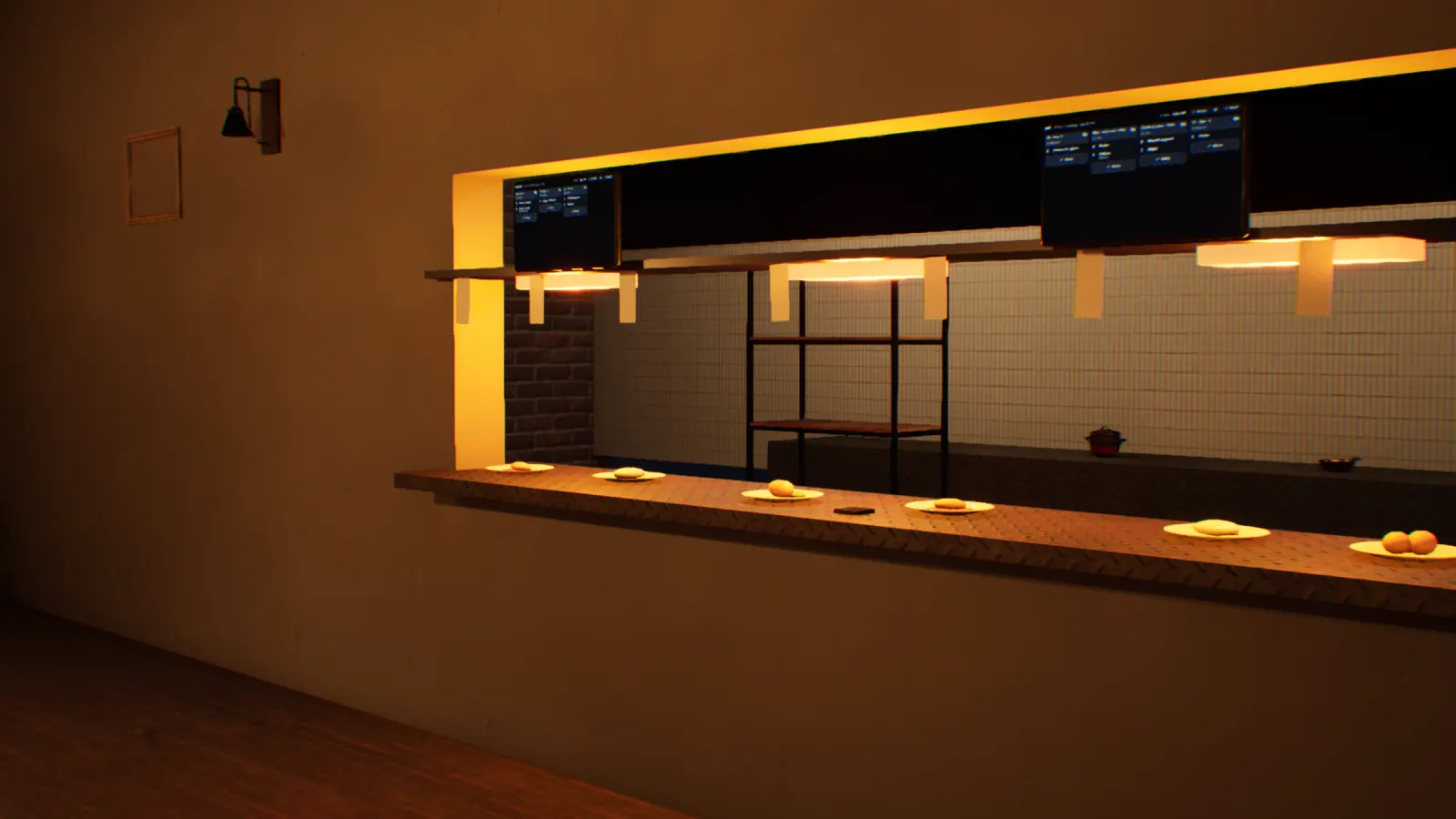
Doors open. The host seats a four-top. A guest orders another round. The bar has it before the phone goes down. Everyone works the same night, on the same system.Doors open. The host seats a four-top. A guest orders another round. The bar has it before the phone goes down. Everyone works the same night, on the same system.
A screen for every hand.Ascreenforeveryhand.
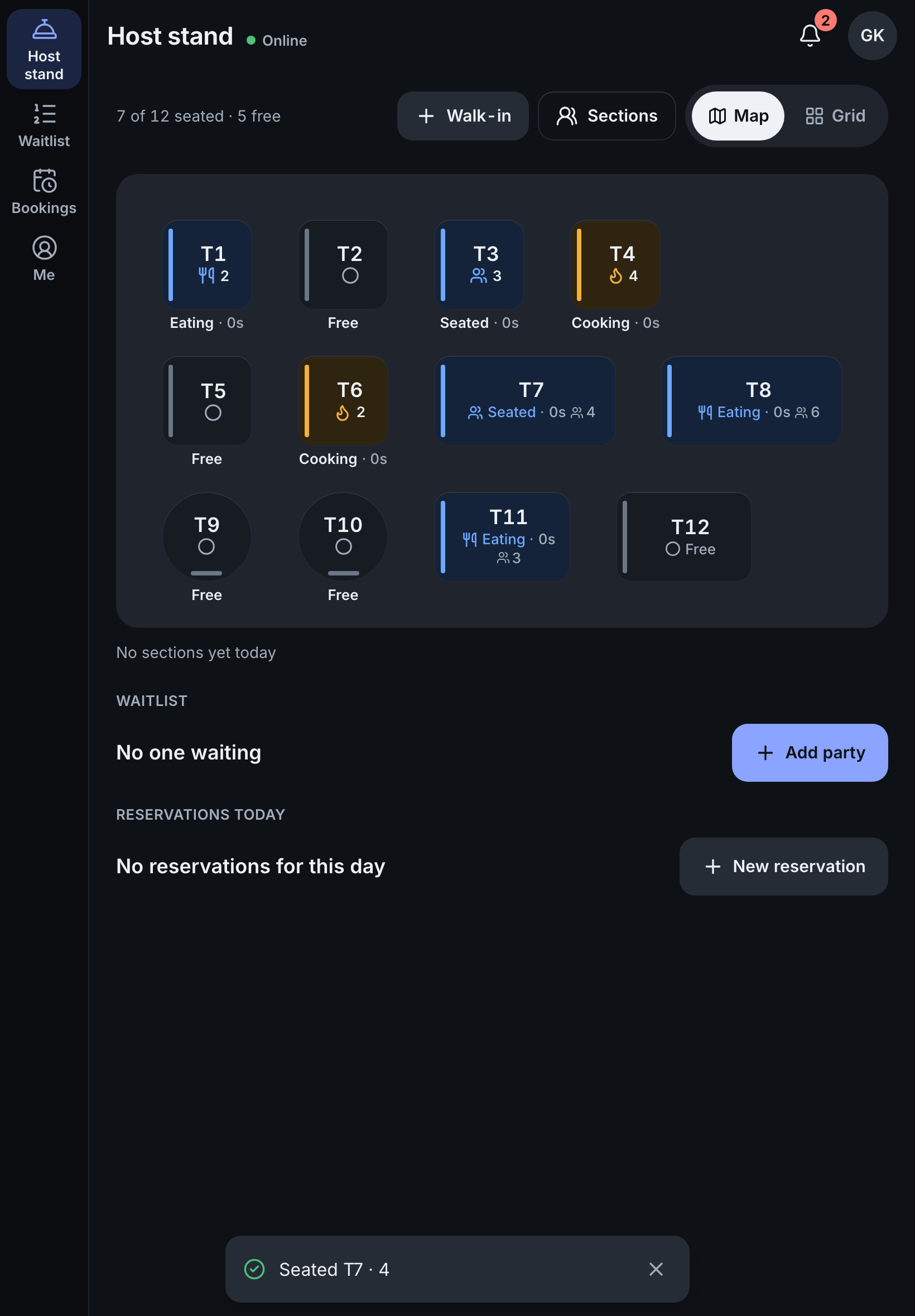
See the entire floor. Seat a walk-in and keep the next reservation in view.
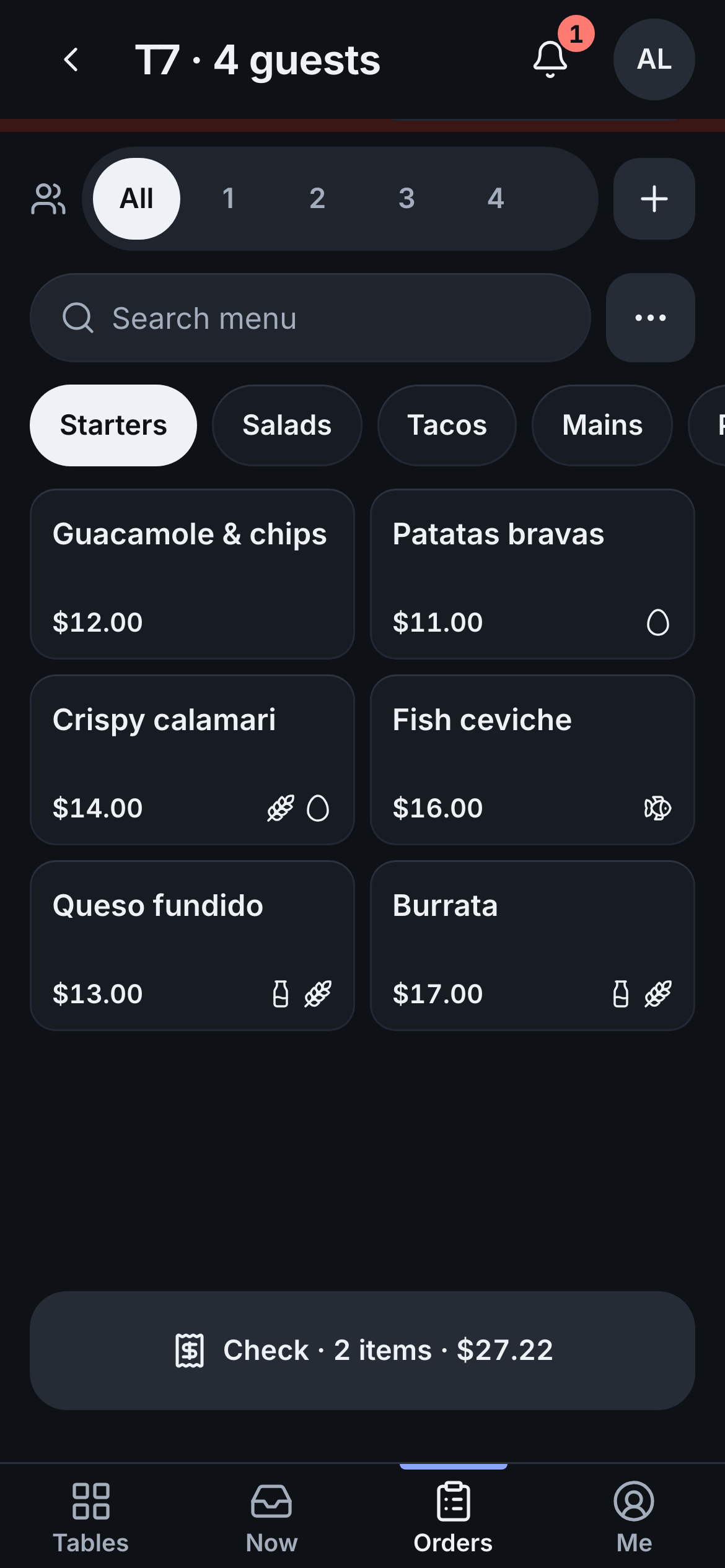
Scan the table QR, choose a dish and follow the order from the phone.
Keep the rail moving. Open a tab, lock in happy-hour prices and split the check when they ask.
See every course and modification on the right station screen. Tap when it’s ready.
Hand off a ready bag. The driver sees the stop and marks it delivered from their phone.
Check covers, sales and what needs attention. Pull up the Z report at close.
Takeout & delivery
From the first call to the last doorstep.
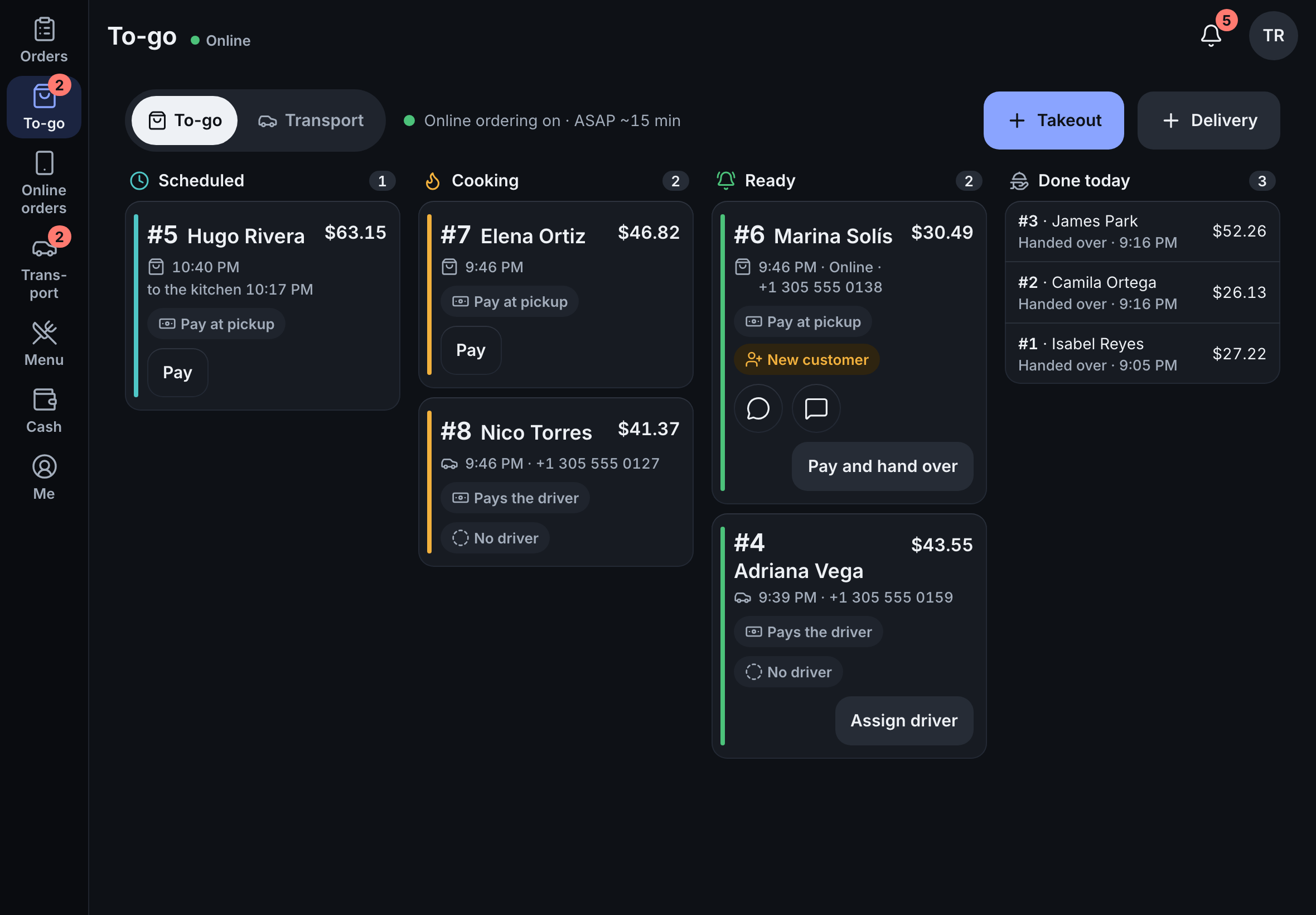
One board follows the order from the promise you make on the phone to the bag in the guest’s hands.
Take the call
Choose ASAP, +15, +30 or a pickup time. The board keeps Scheduled, Cooking, Ready and Done in view.
Work back from the promise
Kitchen load, prep and packing time decide when a scheduled ticket fires. Mark the bag packed and check payment at handover.
Send the driver
Dispatch the bag. On the phone, the driver can open Maps, call the guest and record cash collected at the door.
Finish the handoff
Guests follow the order on their phone or watch their number on the pickup TV. If a delivery fails, send another driver, switch to pickup, or cancel and refund.
Rides & transportation
A seat in the house car.
Pick guests up for dinner and take them home after the last round. Your venue runs the cars, the drivers and the schedule.
Book both legs
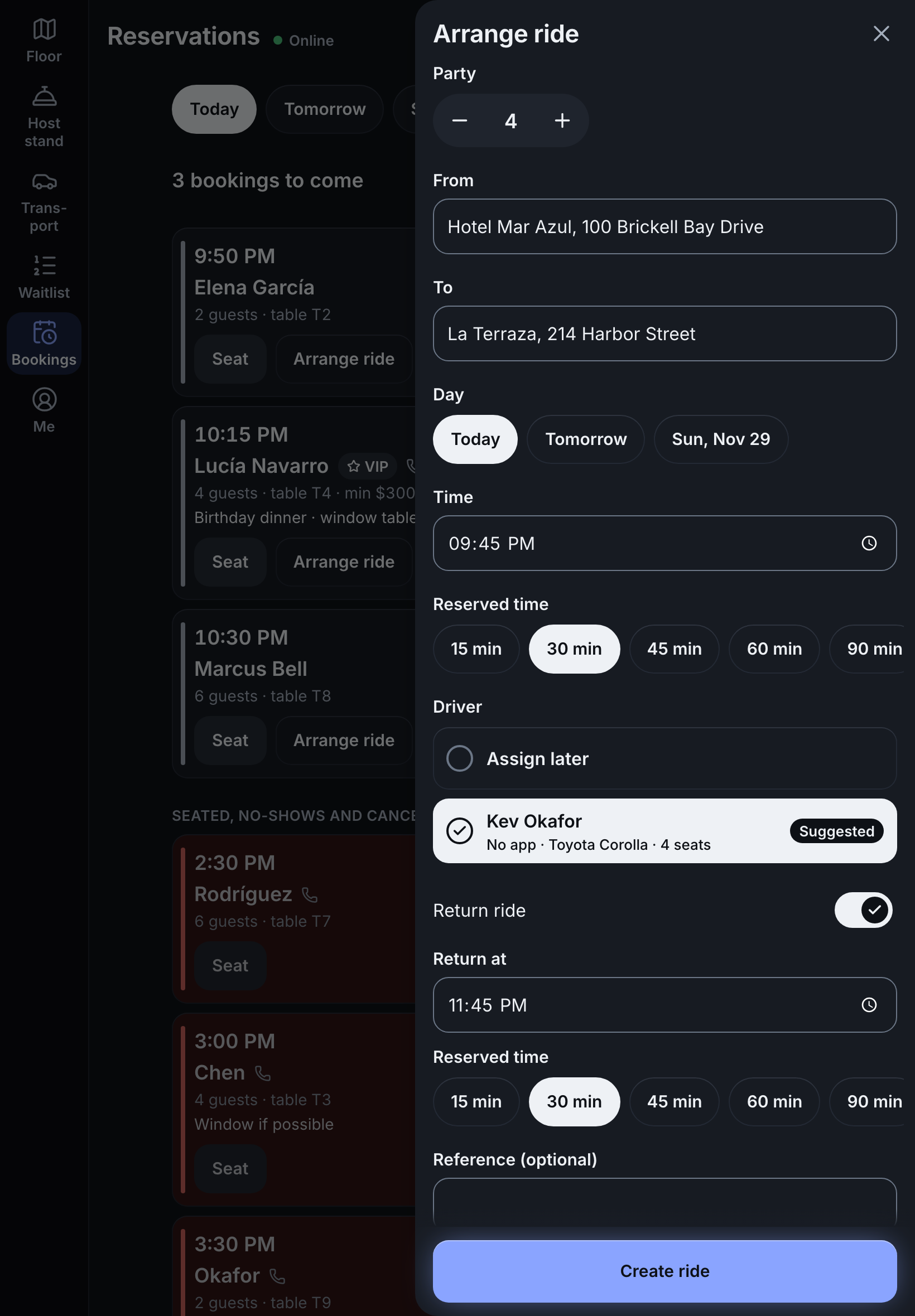
Arrange a ride from a reservation or a check. Enter pickup and return together and check seats and overlapping trips before assigning the car.
Make the assignment
See who’s on duty and send the ride to the suggested driver in one tap. Bring pickup forward if the party is ready early.
Meet the guest
The driver opens Maps, calls if needed and taps through arrival, boarding and drop-off. Each step has 30 seconds to undo.
Keep time
Reminders flag the next pickup. Late alerts give dispatch time to call the guest or adjust the schedule.
Guest ride tracker
Guests open their link to see when their driver is on the way or has arrived.
A dropped connection can wait. The floor keeps moving.
Seat the table or record the payment. The connection bar shows what is waiting, and the outbox keeps each queued action with the person who took it. When service returns, changes sync and any conflict is flagged for review.
However you run the room.Howeveryouruntheroom.
Restaurants · Bars · Clubs · Cafés · Food halls
Restaurants·Bars·Clubs·Cafés·Food halls·
Restaurants·Bars·Clubs·Cafés·Food halls·
Restaurants·Bars·Clubs·Cafés·Food halls·
Restaurants·Bars·Clubs·Cafés·Food halls·
Restaurants
Keep the floor in step.
✓See tables, reservations and the waitlist in one floor plan.